How to make an AI Santa video from a photo of your room
You need one photo and about two minutes. Here is exactly what happens on fablecam.com, with screenshots from the real site.
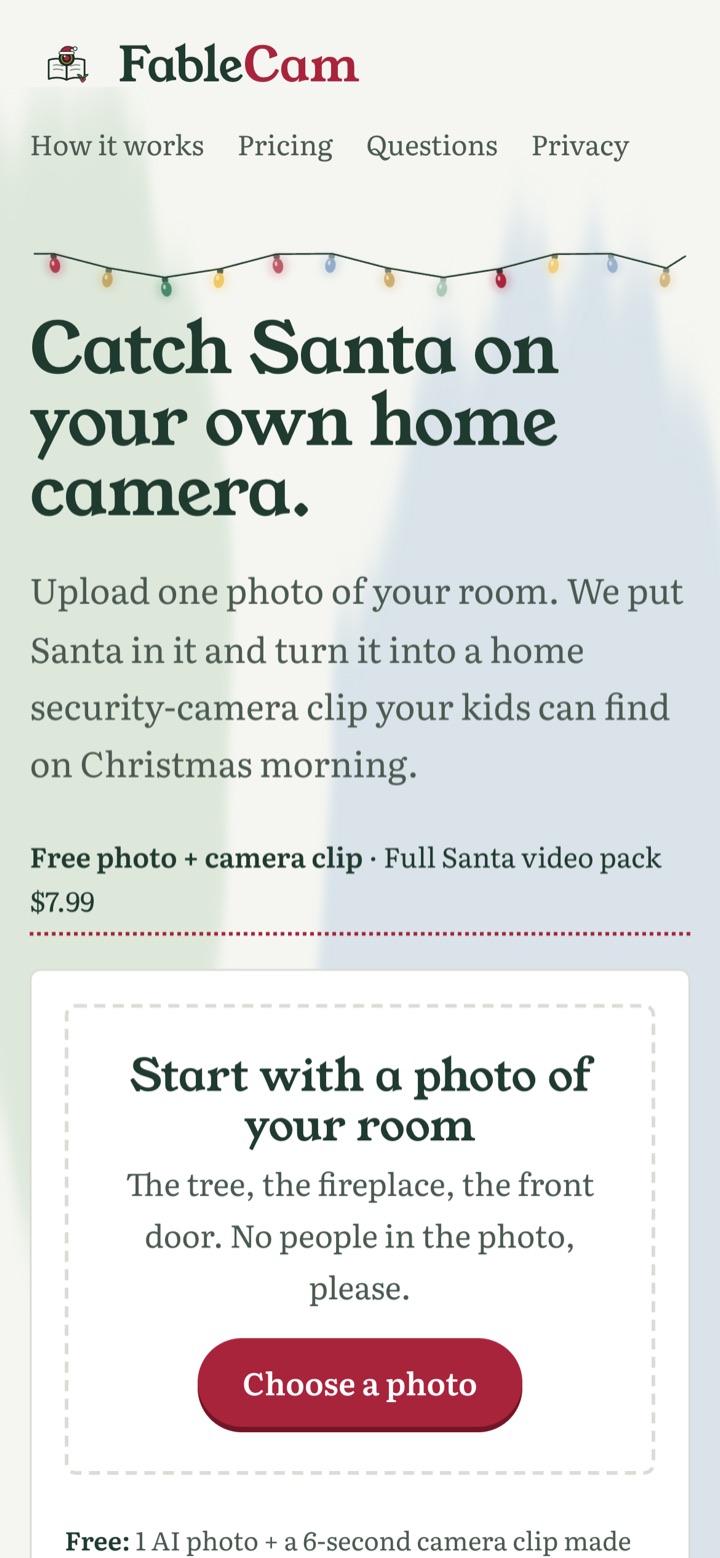
Step 1 — Choose a photo of your room
Open fablecam.com and tap Choose a photo. Pick a wide shot of the room where Santa should appear: the tree, the fireplace or the front door. No people in the photo. Tips: which photo works best.
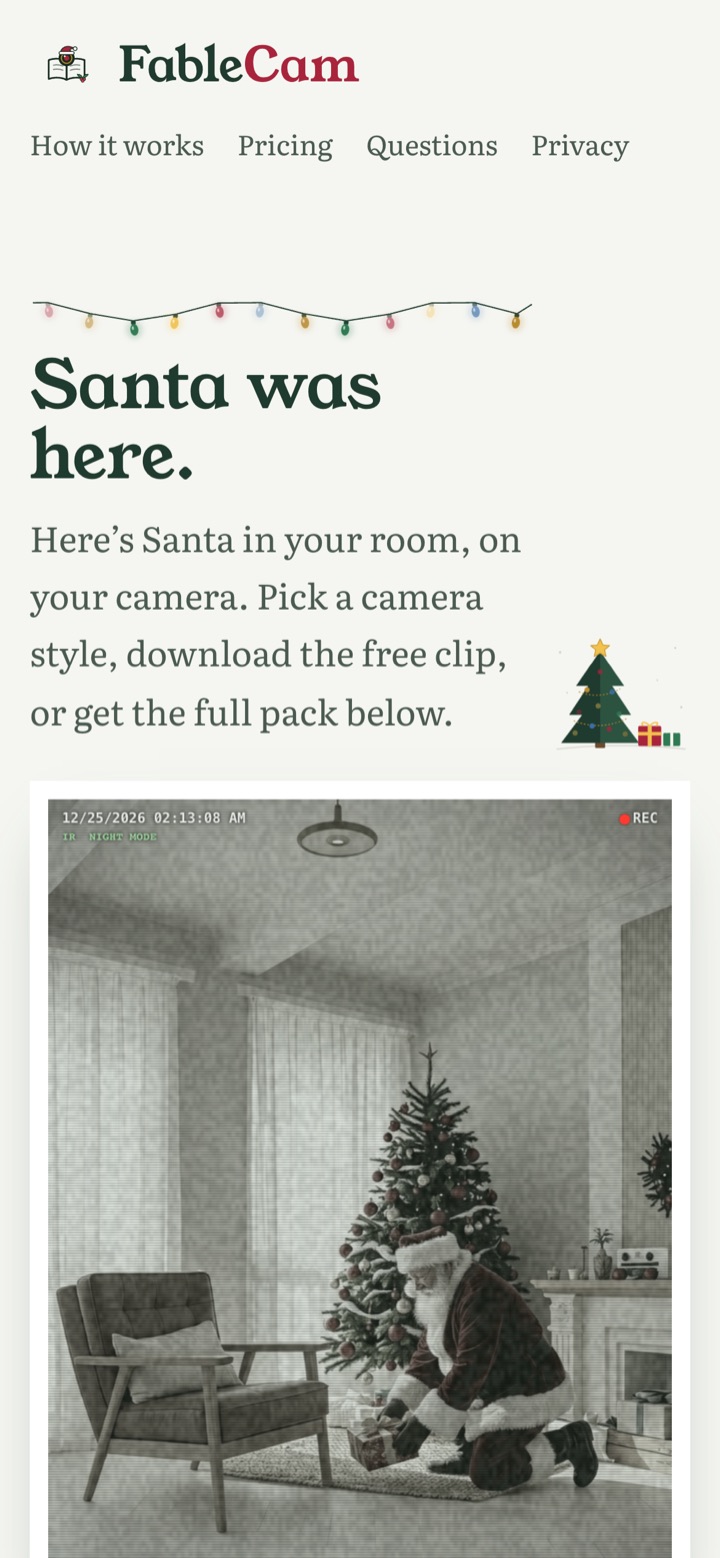
Step 2 — Get your free Santa photo and clip
Pass the quick human check. In a moment you get a free AI photo of Santa in your room and a 6-second camera-style clip you can download. No signup. The free version is limited to one per device per day, and free results expire after 24 hours.
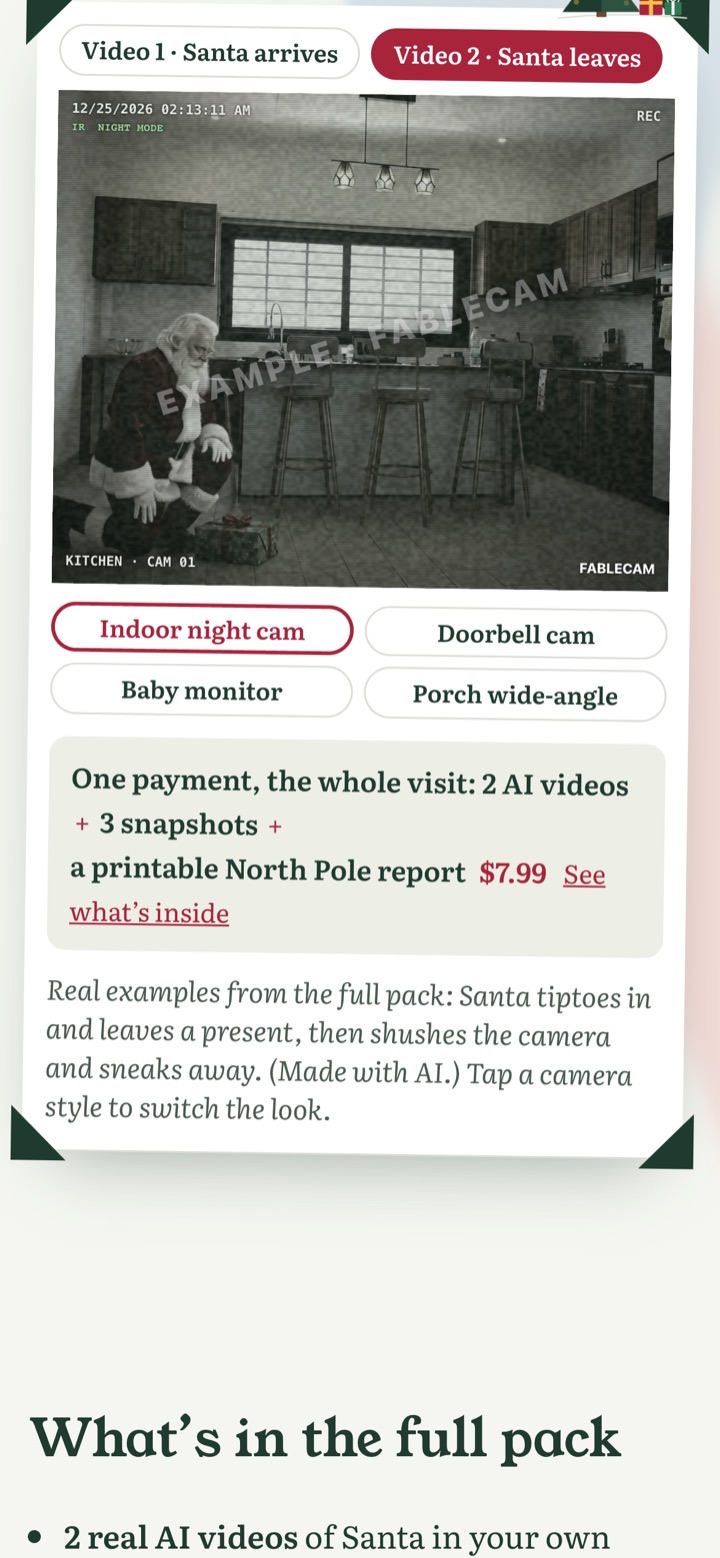
Step 3 — Pick a camera look
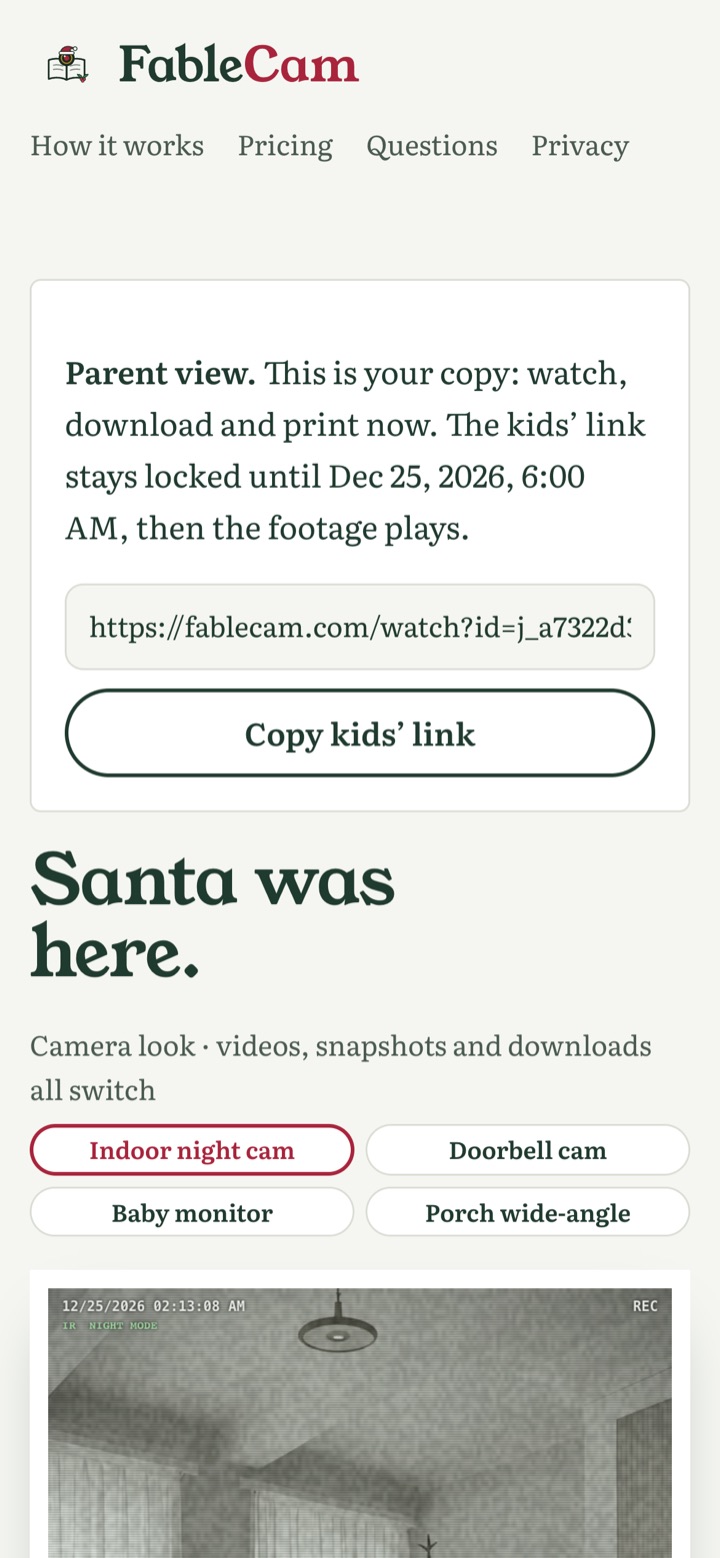
Tap a camera style to change the look: Indoor night cam, Doorbell cam, Baby monitor or Porch wide-angle.
Step 4 — Unlock the full pack (optional, $7.99)
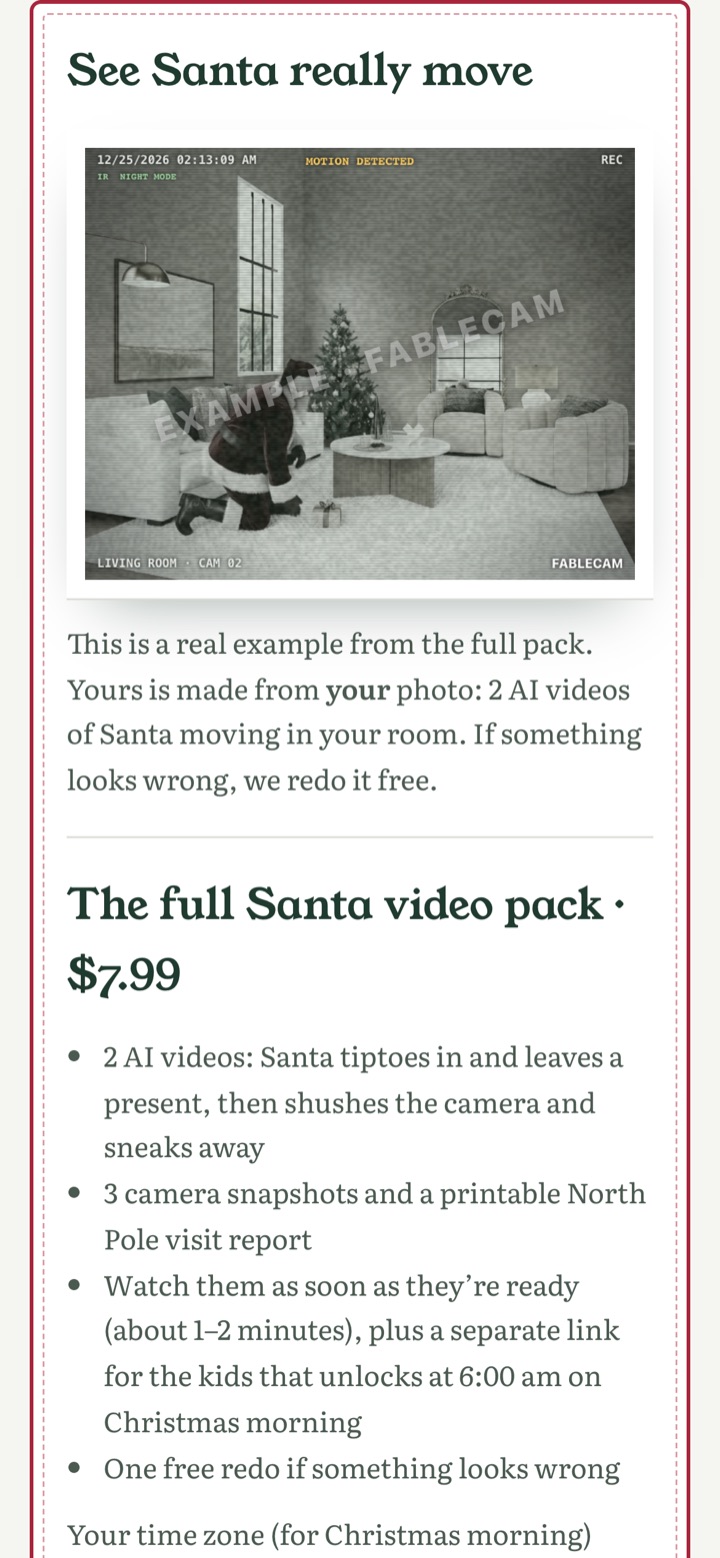
If you like it, the full Santa video pack is one payment of $7.99:
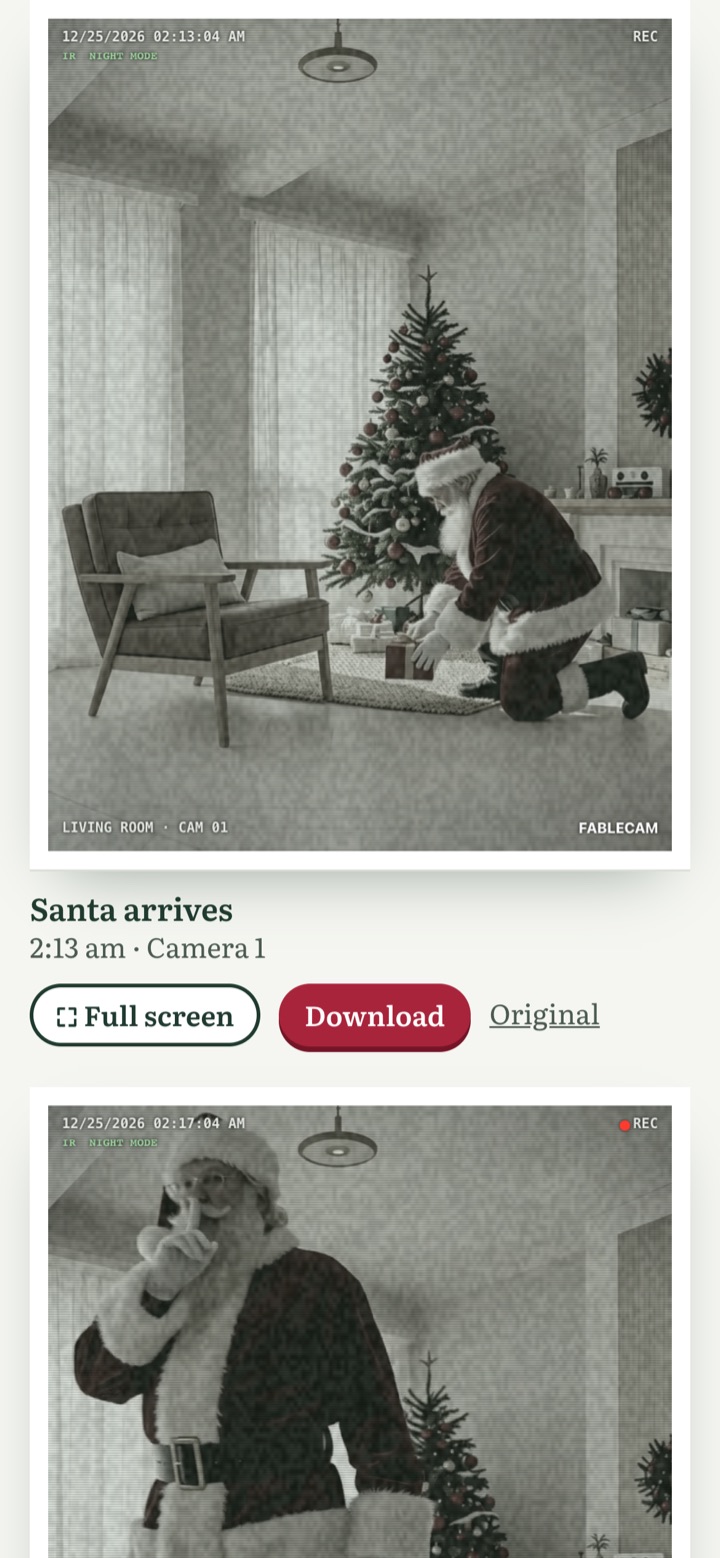
- 2 AI videos of Santa in your own room: he tiptoes in and leaves a present, then shushes the camera and sneaks away
- 3 camera snapshots to save or share
- a printable North Pole visit report
- a private parent page now, and a separate Christmas-morning link for the kids
- one free redo if something looks wrong
Step 5 — Wait a minute or two
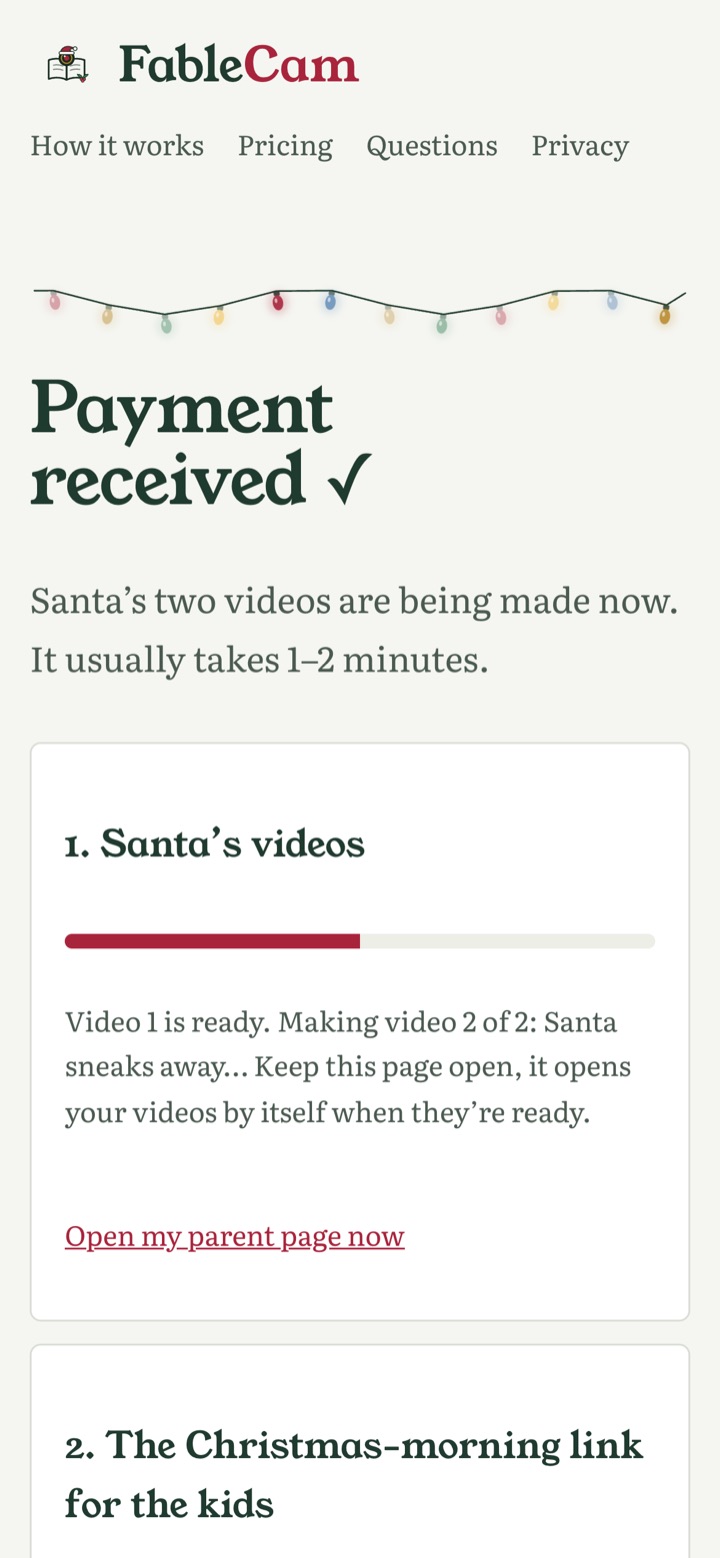
After payment, a progress page shows your videos being made. It usually takes 1–2 minutes. Keep the page open; it opens your videos by itself when they are ready.
Step 6 — Watch, download and print
Your parent page has both videos (watch full screen or download), the three snapshots, and the North Pole visit report with the date, the time on camera and a "visit confirmed" stamp. Print it and leave it by the tree.

Step 7 — Share the kids' link
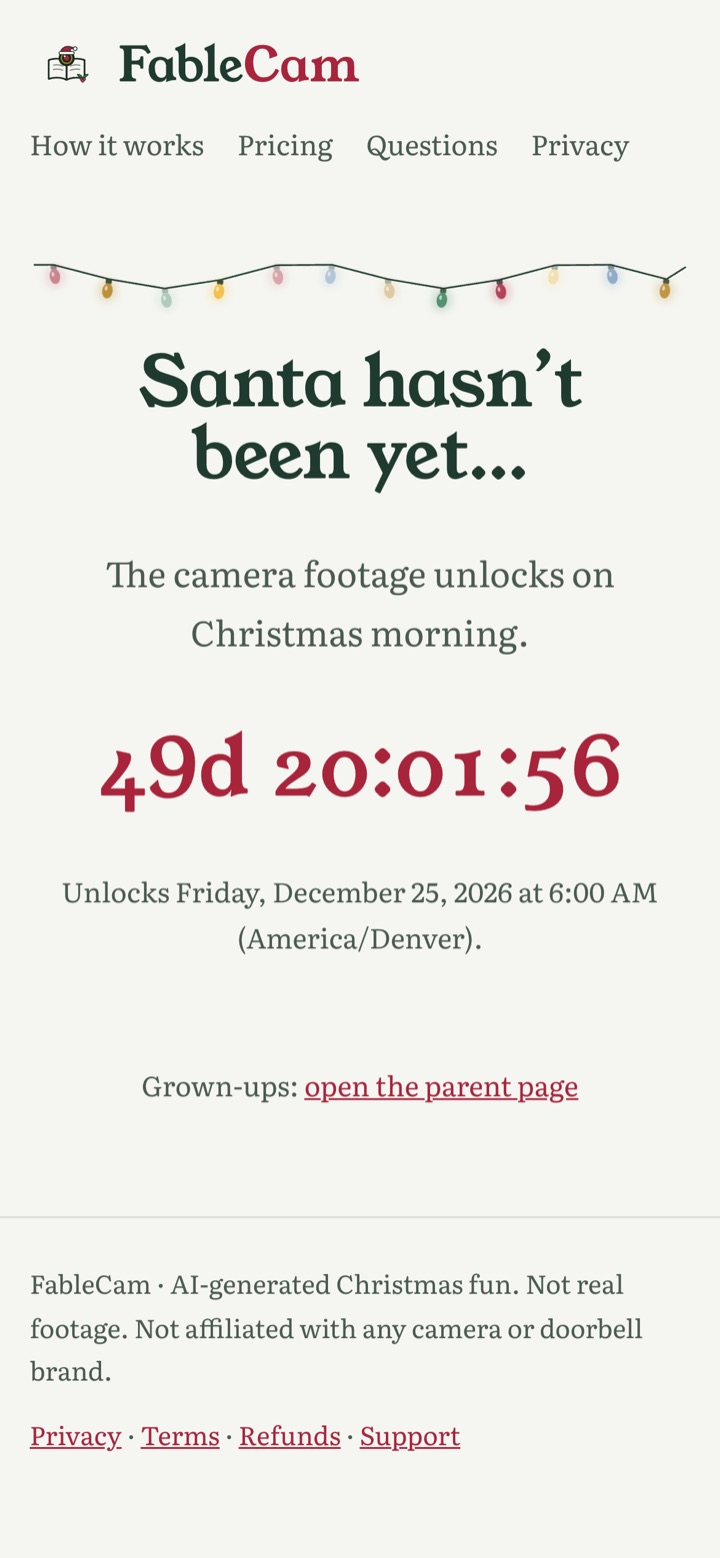
Tap Copy kids' link on the parent page. That page shows a countdown and stays locked until 6:00 am on December 25 in your time zone, then the footage plays. Open it on the TV or a tablet on Christmas morning.
FAQ
Is this real footage?
No. Santa is AI-generated, and every image and video is labeled as AI-generated.
What happens to my photo?
Uploaded photos are not stored after the AI photo is made. For paid orders only, the room photo is uploaded at checkout to make the first video and deleted as soon as the videos are made.
How long does it take?
The free photo takes moments; the two paid videos usually take 1–2 minutes.
Do I need an account?
No signup for the free photo and clip.